Publish
零代码部署
把 HTML 发布成可访问的演示
上传 HTML 或 ZIP 后,平台解析页面并生成演示入口,同事打开即可查看筛选、详情等交互。
Upload HTML or a ZIP. The platform reads the pages and publishes a demo your colleagues can open, from filters and detail views through the rest of the flow.
去体验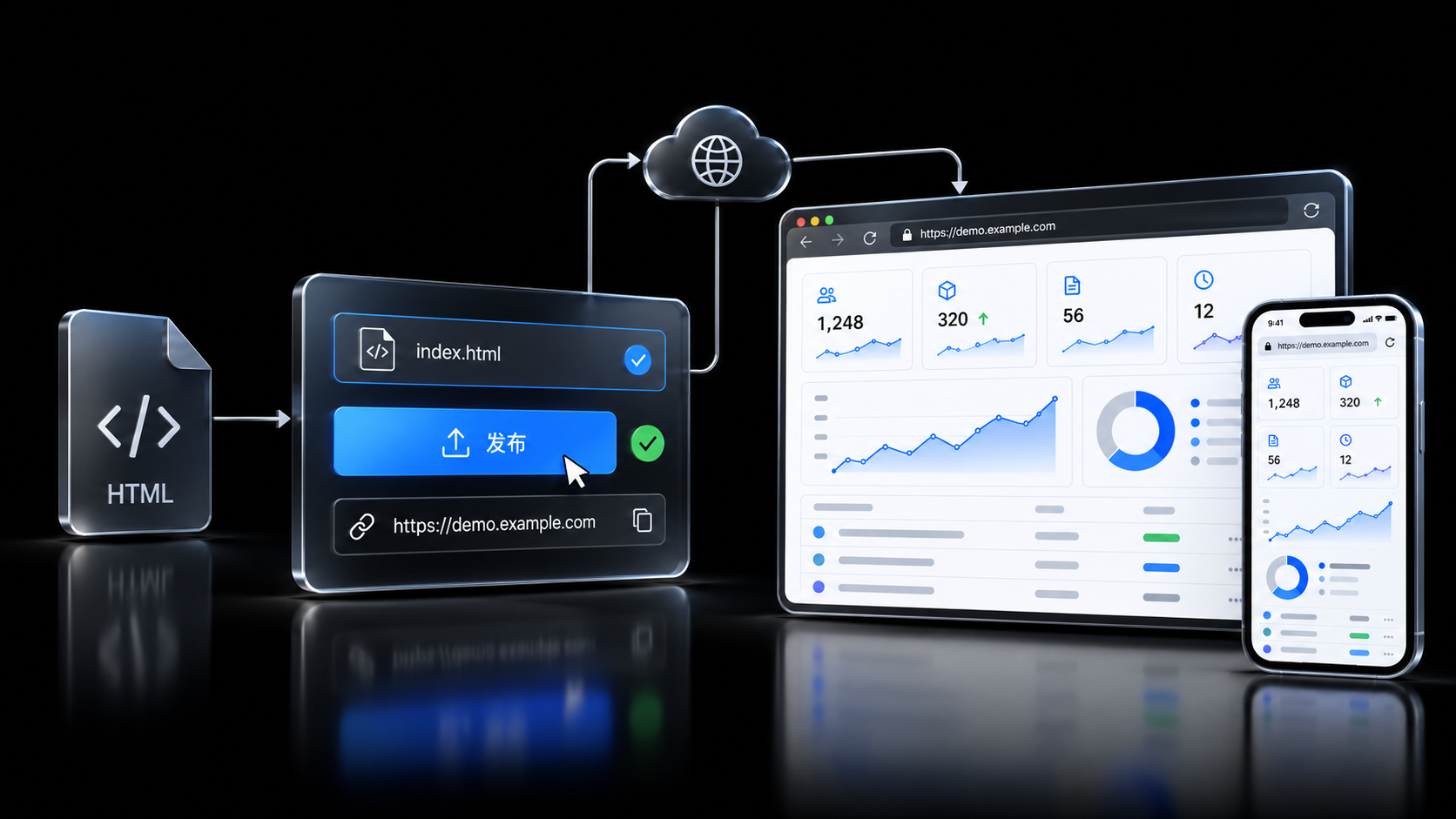
Product Atelier
数字产品空间
让创造,持续演进。
Built to keep evolving.
Publish
零代码部署
上传 HTML 或 ZIP 后,平台解析页面并生成演示入口,同事打开即可查看筛选、详情等交互。
Upload HTML or a ZIP. The platform reads the pages and publishes a demo your colleagues can open, from filters and detail views through the rest of the flow.
去体验Requirements
需求生成
上传 HTML 或 ZIP 后,按 Skill 解析页面,并按需求规格说明书规范生成文档。
Upload HTML or a ZIP. A Skill reads the pages and drafts the specification in the required document format.
去体验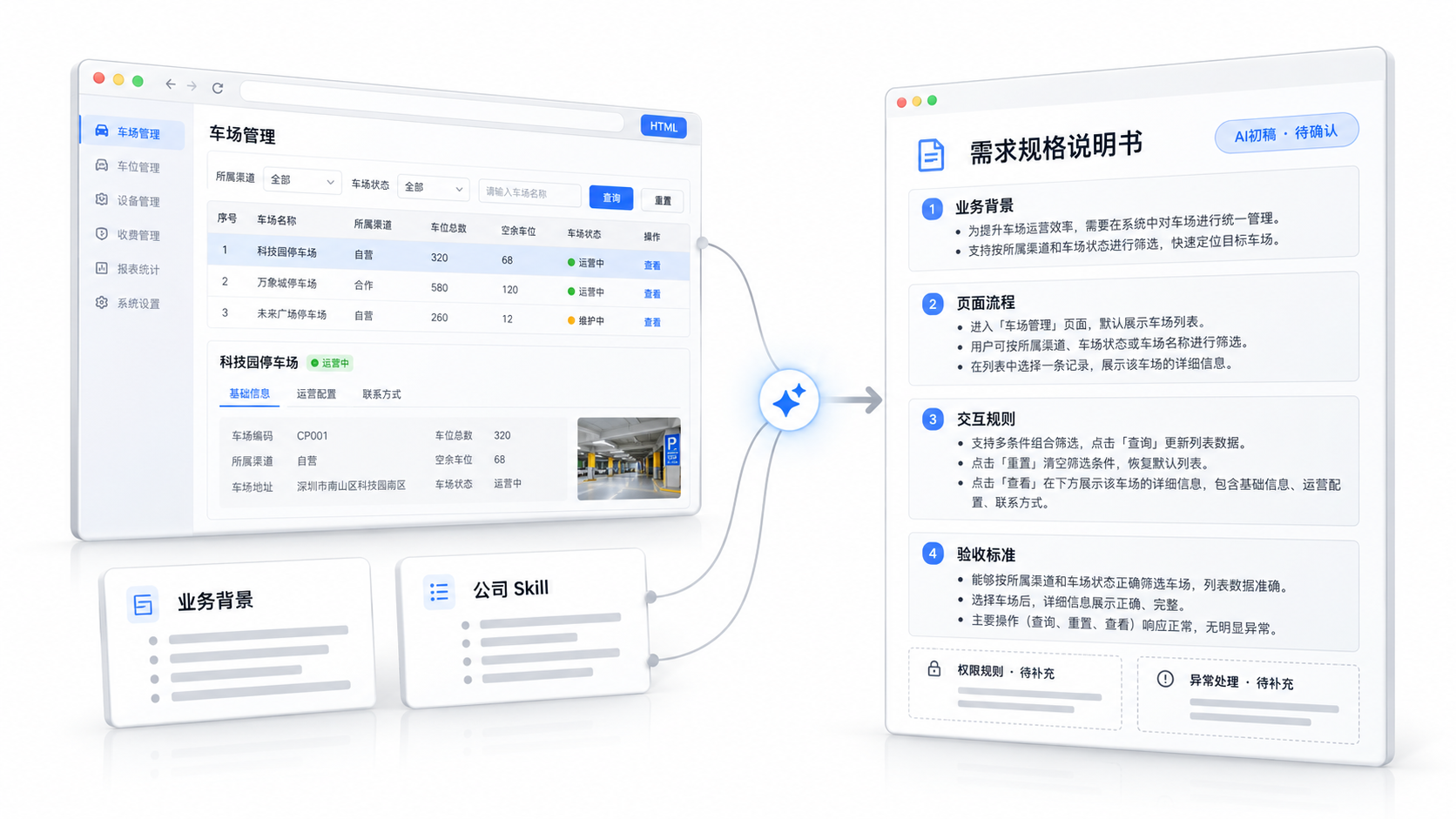
Review
评审会模式
左侧打开演示页面,右侧对照需求原文,逐项核对按钮行为,并把意见与决定留在这一场评审。
Open the live demo on the left and the requirement text on the right. Check each control, then keep the comments and the decision in that review.
去体验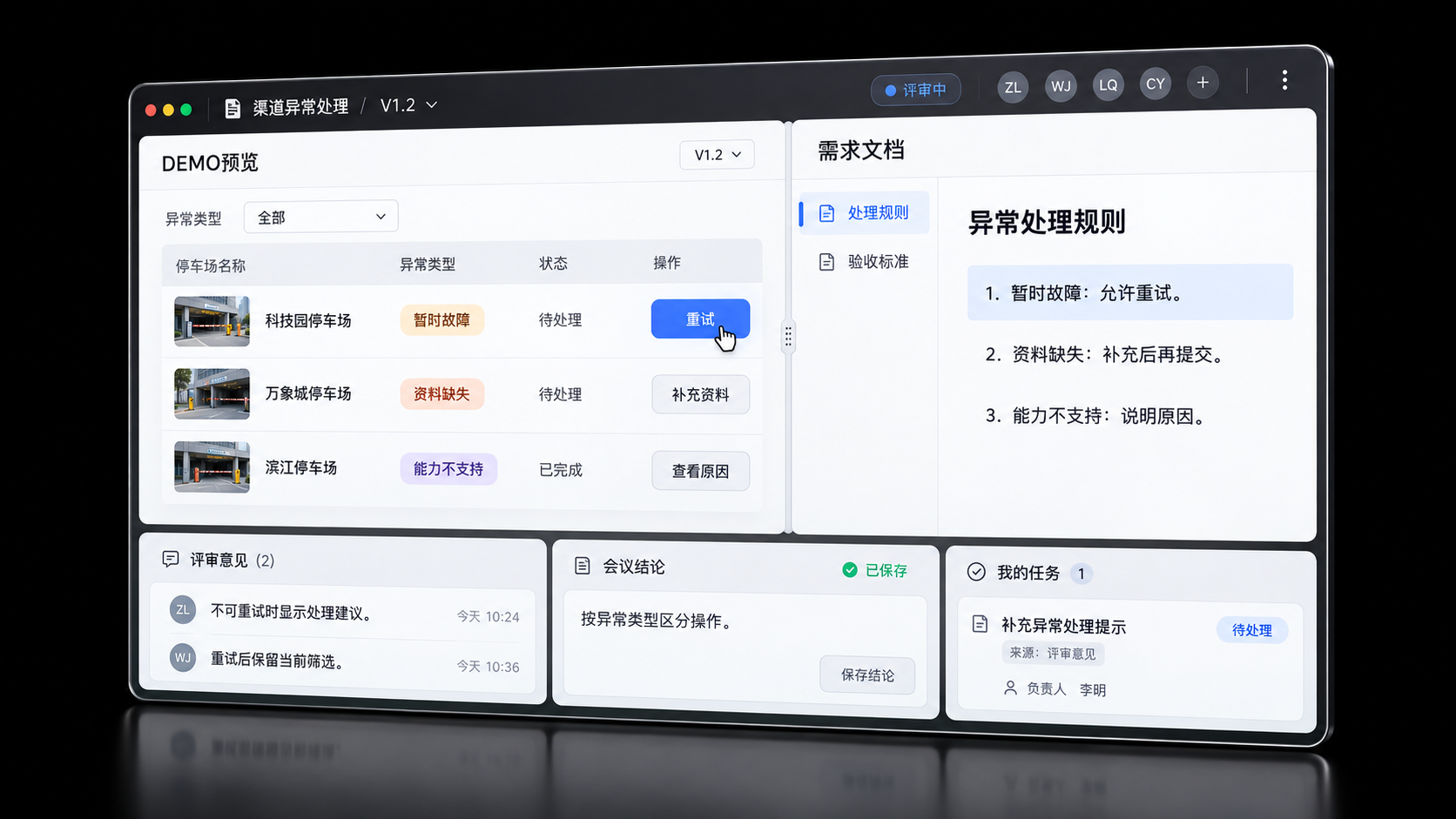
Events
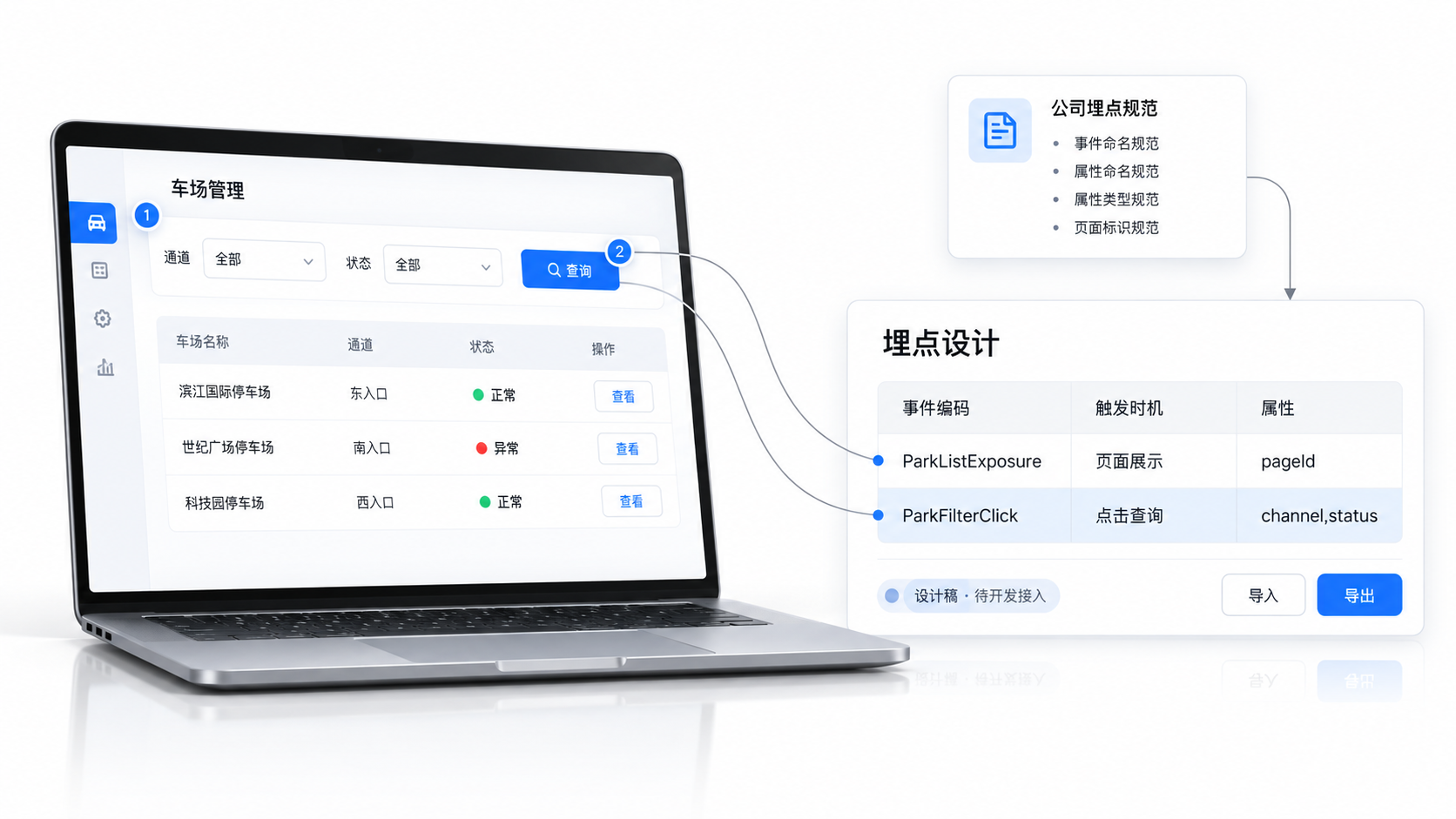
埋点设计
从演示里整理筛选点击、页面曝光等行为,写成事件与属性,供开发按设计接入。
Compare
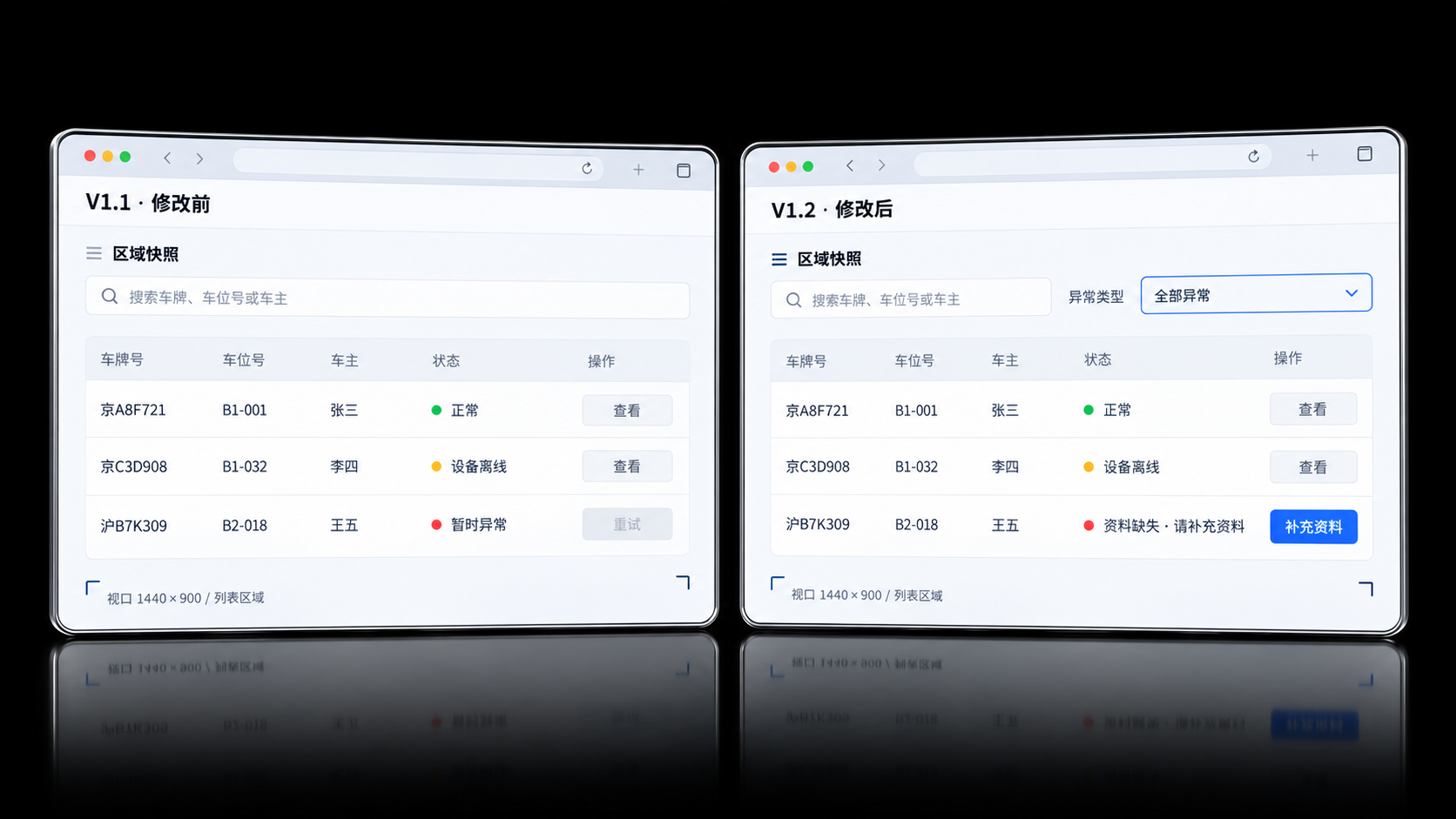
快照对比
为同一区域保留修改前与修改后的快照,并排对照筛选区、异常提示等具体差异。
Lineage
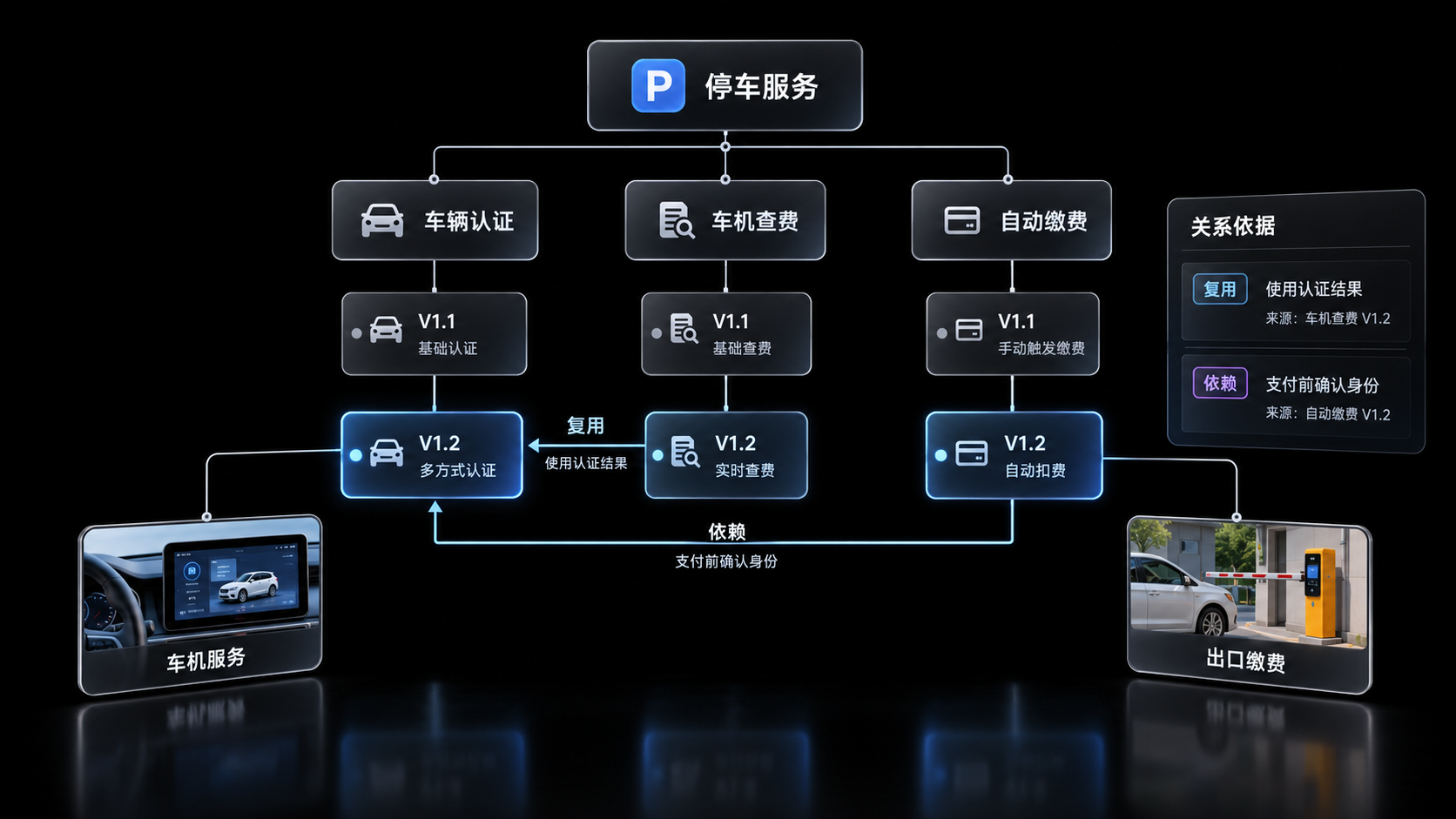
产品关联
创建产品时写明派生、依赖或配套关系,并保留关系依据,方便之后一起核对。
Versions
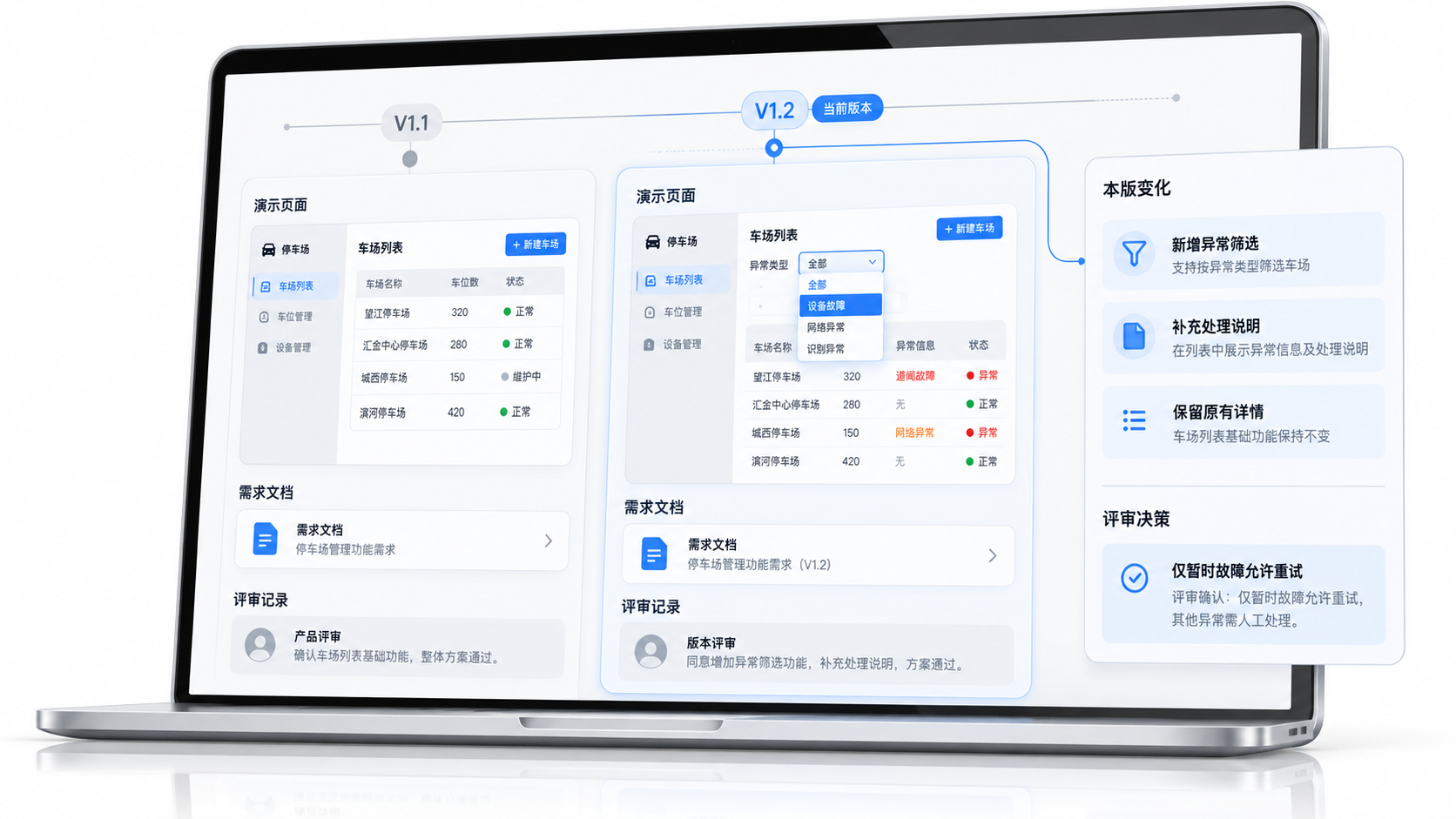
版本记录
按版本打开对应的演示页面和需求文档,并对照评审记录查看相对上一版的变化。
Proposals
业务提案
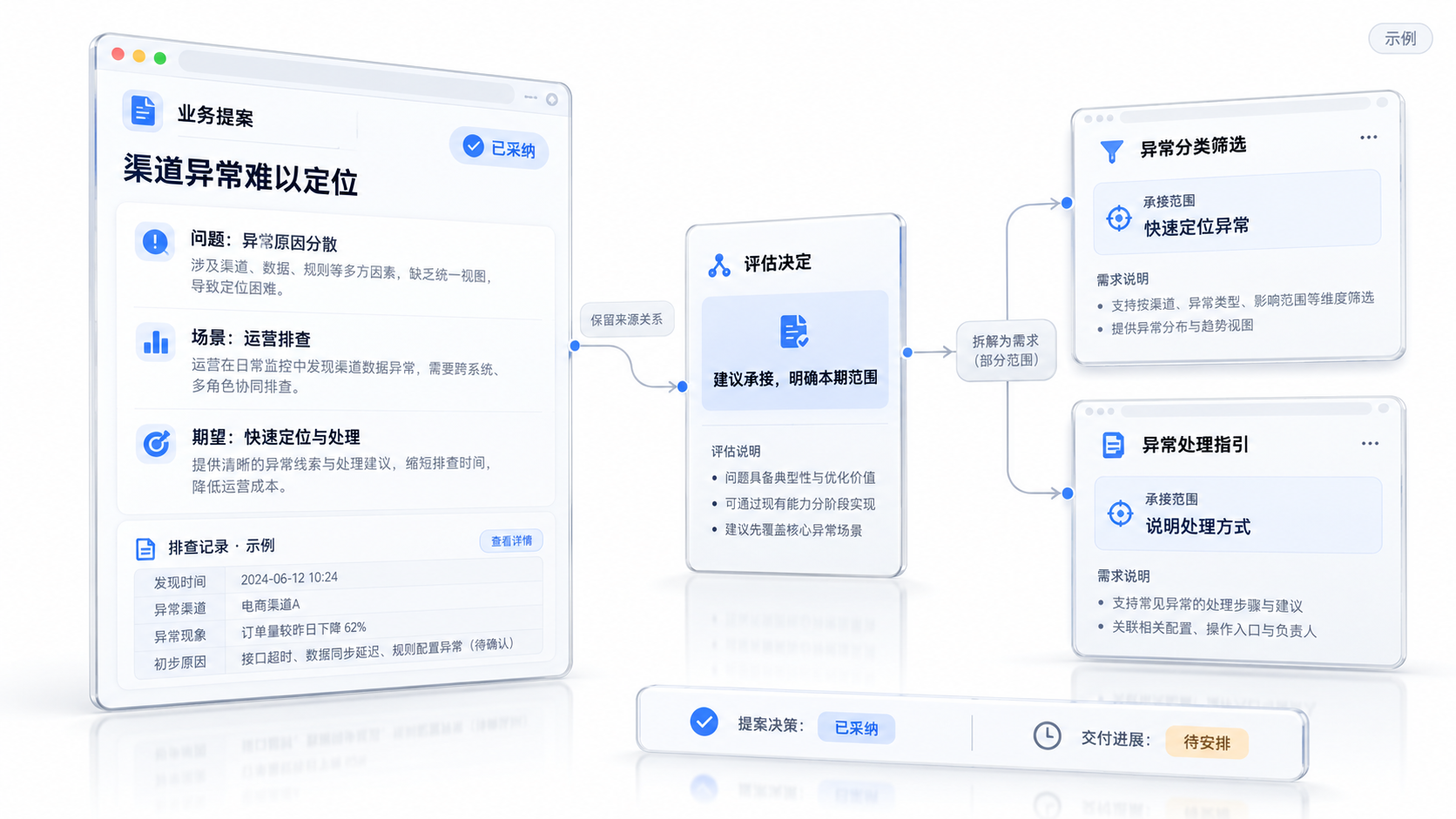
将发现的问题写成问题、使用场景与期望结果,评估决定之后可以继续生成承接需求。
Search
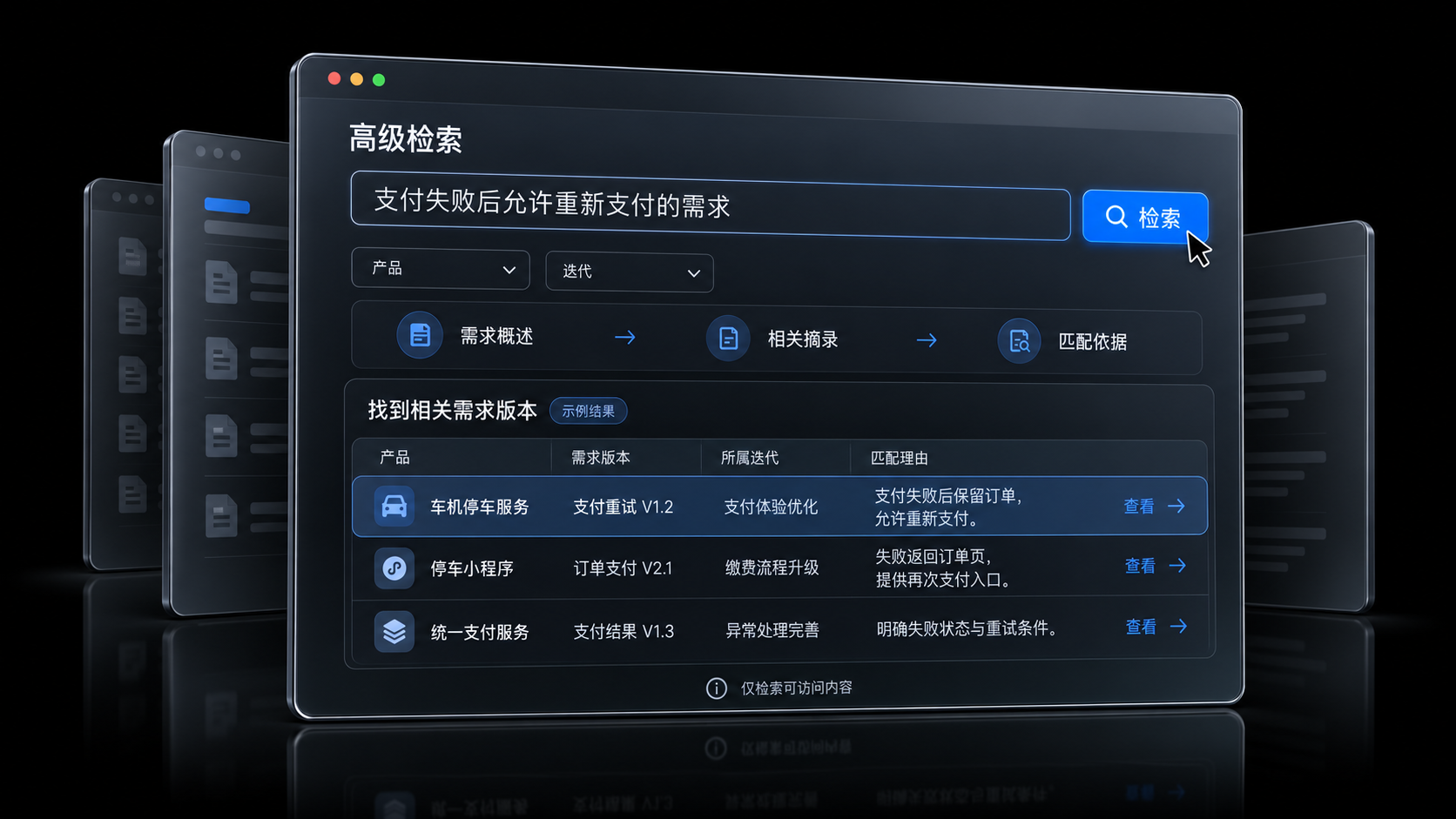
高级检索
以自然语言描述要找的需求,检索对应文档版本,并展示每一条被命中的理由。